Free AI Vector Generator

Describe what you need and Curvyra returns layered vector artwork — icons, logos, badges, and illustrations ready to edit. Refine with AI, then download in SVG, PDF, EPS, or DXF.

Why AI vector generator

An AI vector generator built for work that gets printed

Prompt to production file in one step: five reasons this AI vector generator suits studios, print shops, and makers rather than just moodboards.

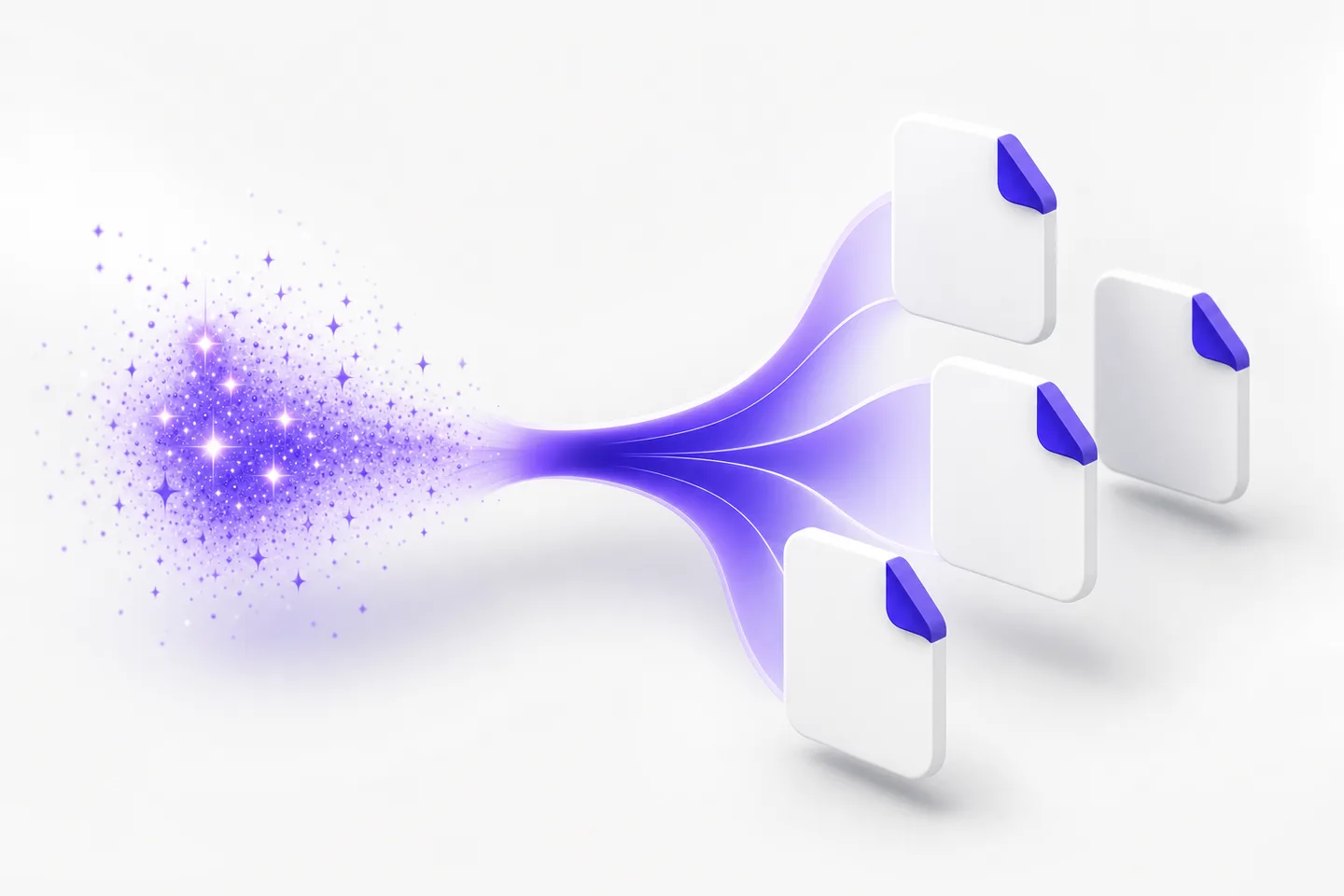
A prompt generating vector shapes and export files in the AI vector generator

From one sentence to a production-ready vector

Describe the artwork you need — a geometric badge for a coffee brand, a line-art palm for packaging, a bold emblem for a jersey — and the AI vector generator returns real scalable geometry rather than a picture of an idea. Download it as SVG, PDF, EPS, or DXF and it is immediately usable on a website, in a document, on a press, or on a cutting machine. Because the AI vector generator draws with paths and fills, one file serves a favicon and a building sign without a single extra export.
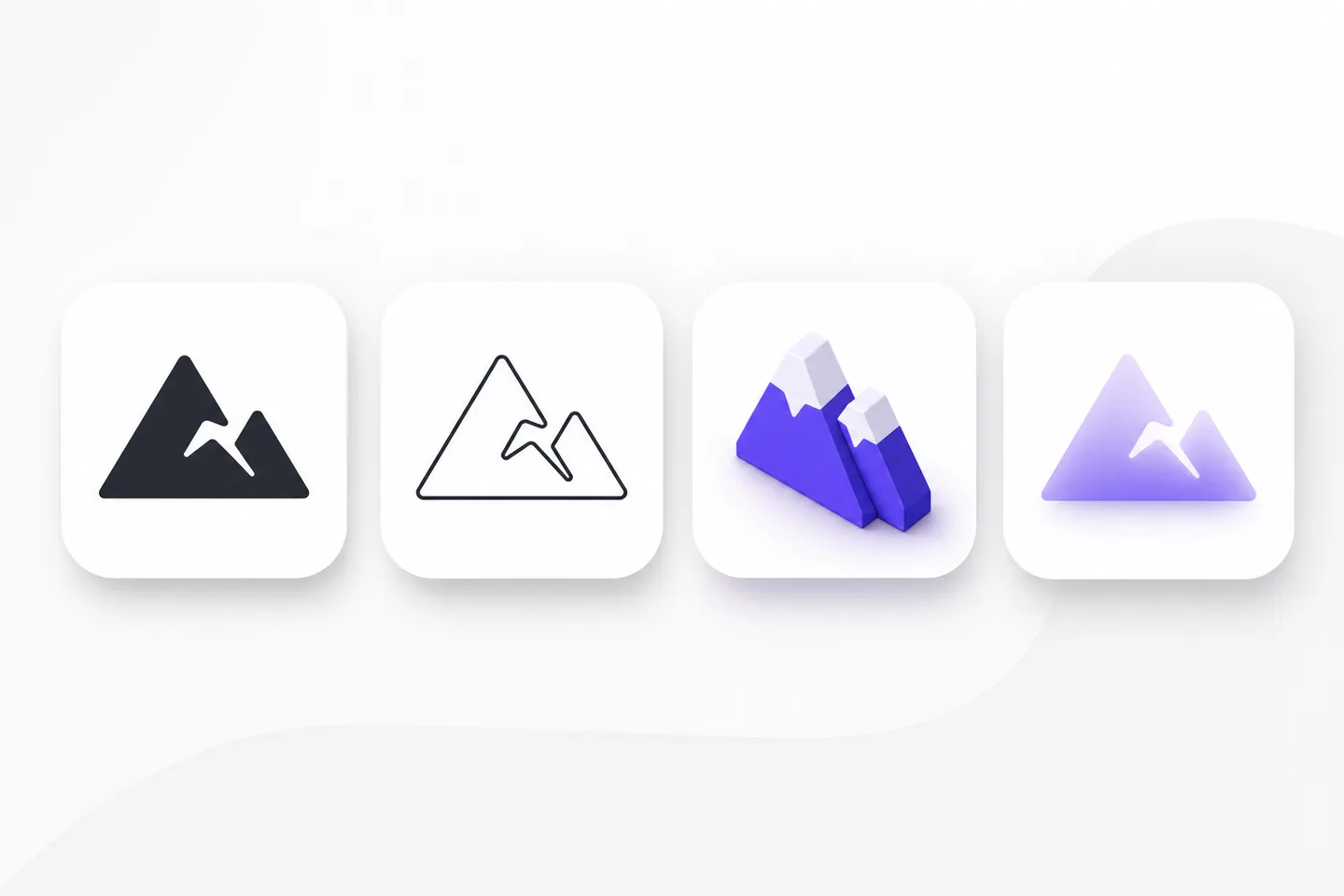
The same glyph rendered in flat, line, isometric, and gradient styles by the AI vector generator

Style control that holds across a whole project

Ask for flat, line art, isometric, retro, or gradient work and the AI vector generator commits to it, keeping stroke weight, palette, and perspective consistent piece after piece. That matters when artwork has to live inside an existing identity: a new illustration should look like it came from the same hand as last quarter's. Lock a palette to your brand colors, keep the geometry simple for small sizes, or push detail for a poster. The AI vector generator treats style as an instruction, not a happy accident, so consistency is the point rather than a lucky draw.

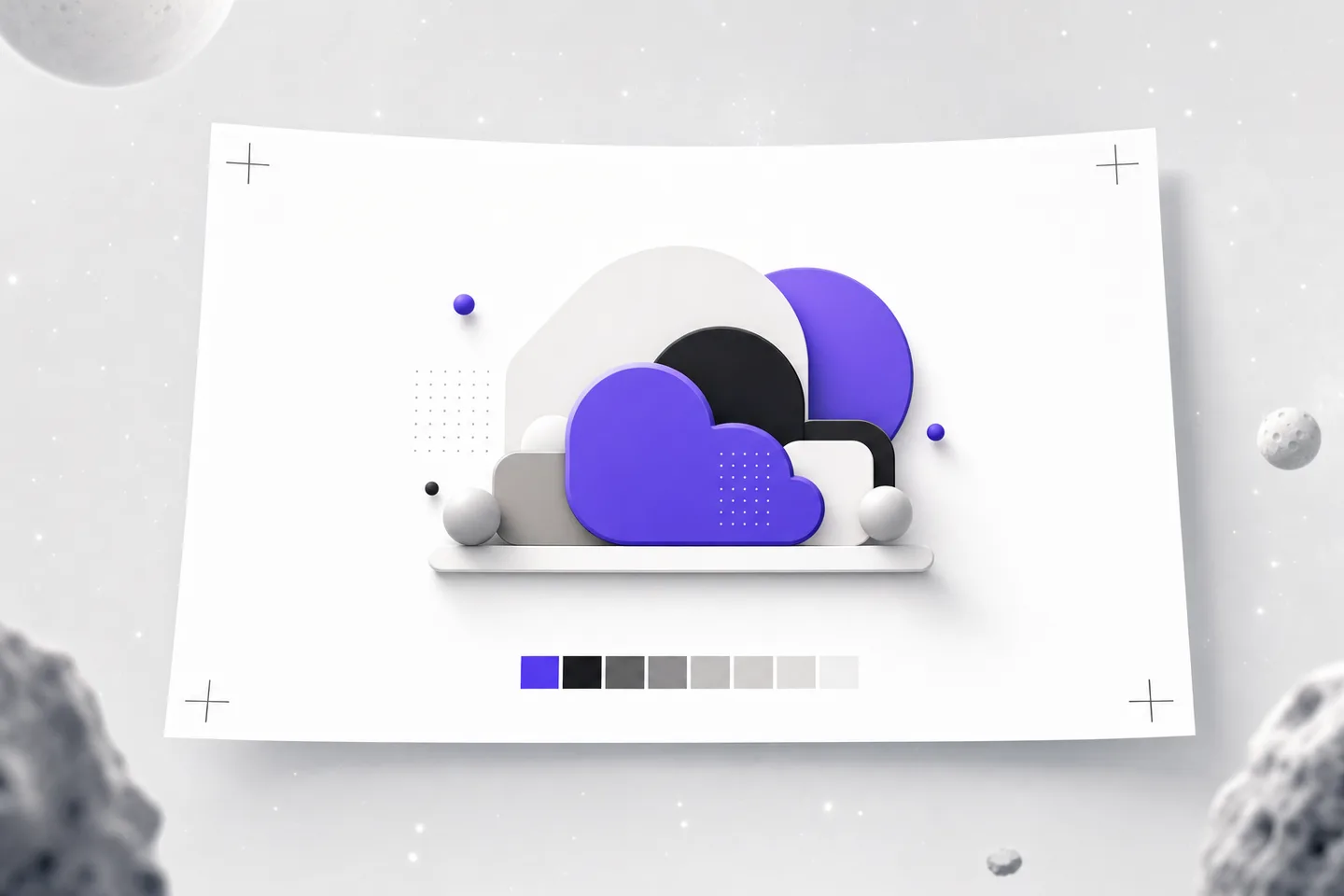
A print sheet with crop marks holding AI vector generator artwork

Output that a print shop will accept

Most image tools stop at a screen-resolution PNG, which is exactly where print work begins to hurt. The AI vector generator hands you EPS and PDF for commercial presses, SVG for the web, and DXF for cutters and CAD, all built from closed paths with predictable stacking. Solid fills stay solid, hairlines stay a real width, and nothing depends on an effect your printer's software cannot resolve. Send an AI vector generator file to signage, apparel, packaging, or engraving and it behaves like artwork drawn by hand. Your printer receives real artwork, not a screenshot.

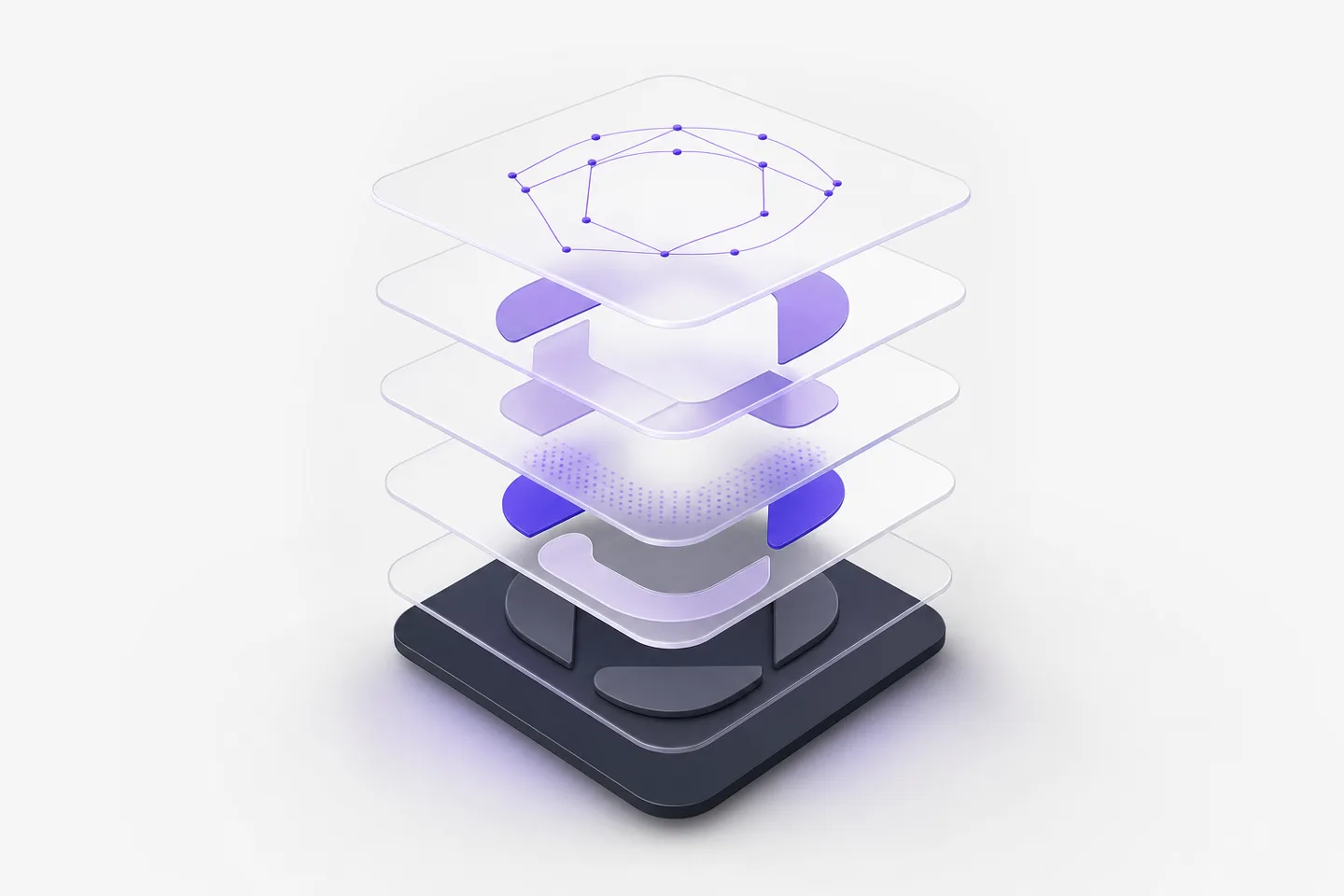
Exploded editable layers from an AI vector generator file

Layers you can pull apart and rebuild

Generated artwork is only genuinely useful if you can change it, so the AI vector generator structures every file in logical groups with editable nodes. Delete a background, isolate a symbol for a stamp, thicken an outline for embroidery, or recolor the whole piece from one swatch. Open the download in Illustrator, Affinity Designer, Inkscape, CorelDRAW, or Figma and everything stays exactly where the AI vector generator put it — no flattened rasters, no locked groups, no mystery clipping masks to unpick before you can work. Rebuilding a generated file should never mean starting again.

Lightning bolt and padlock representing the free private AI vector generator

Free, private, and available anywhere

The AI vector generator is free to use, with no account, no credit card, and no watermark on anything you download. Prompts and generated files travel over an encrypted connection and are never sold, published, or added to a public gallery, so a client's unreleased brand stays unreleased. Everything runs in the browser, which means the AI vector generator works the same on a studio Mac, a Windows laptop, a Chromebook, or a phone on site — handy when a job needs artwork before you are back at your desk. Nothing to install, nothing to license per machine.

Loved by makers

Made with the AI vector generator

Studios, sign shops, and product teams on what the AI vector generator replaced in their day.

We needed decorative panels for a storefront by Monday. I described the pattern, exported EPS, and our cutter ran it without a single fix. The AI vector generator saved us commissioning artwork we would only ever use once, which is a real budget line for a small shop.
Arif SantosoArif SantosoWorkshop lead, Kayu Laser Lab
Pitch decks eat illustrations. Instead of buying stock that never quite matches, I now describe what the slide needs and the AI vector generator produces something on-brand. Editable layers mean I can drop our exact palette in before anyone sees the first draft.
Mei Ling ChenMei Ling ChenCreative director, Studio Kite
I make laser-cut gifts and the DXF export is the part I did not expect to work. Paths come out closed and clean, so the machine follows them properly. The AI vector generator turned a hobby bottleneck into about five minutes of work per design.
Sofía DelgadoSofía DelgadoApparel shop owner, Casa Delgado

AI vector generator

Frequently asked questions

Yes. The AI vector generator is free, with no account, subscription, or watermark. Generate what a normal project requires, iterate on the results, and download every file you like without running into a paid tier for the features that matter. Downloads stay unlimited for normal project work.

SVG for web and animation, PDF for documents and proofs, EPS for commercial print and embroidery, and DXF for laser cutters, plotters, and CAD. One prompt through the AI vector generator therefore covers screen, press, and fabrication without a second tool, since every export is built from the same editable geometry.

Yes. Files you create with the AI vector generator can be used in commercial products, client work, packaging, merchandise, and advertising, with no attribution and no per-asset license. For a trademarked logo, we still recommend a quick originality search before you register it.

An image generator gives you pixels at a fixed resolution. The AI vector generator produces paths and fills, so artwork scales infinitely, stays editable node by node, exports to print and CAD formats, and usually weighs kilobytes rather than megabytes. That difference matters most at print sizes.

Yes. Everything you send to the AI vector generator moves over an encrypted connection, is used only to build your file, and is never published, sold, or shown in a public gallery. Client concepts and unreleased product names stay confidential, and nothing is added to a training set.

Let the AI vector generator draw your artwork

One prompt, four production formats. The AI vector generator is free, needs no account, and hands back editable files you can send straight to press.