
SVG to WebP Converter

Upload an SVG, PDF, EPS, or DXF file to convert it to WebP images in seconds.

+Upload your vector

Or drop your vector file here

Why SVG to WebP

Everything a great SVG to WebP conversion should do

Resolution, transparency, compatibility, fidelity, privacy — here is what our renderer does between your upload and your download, and why teams trust it for SVG to WebP work that ships.

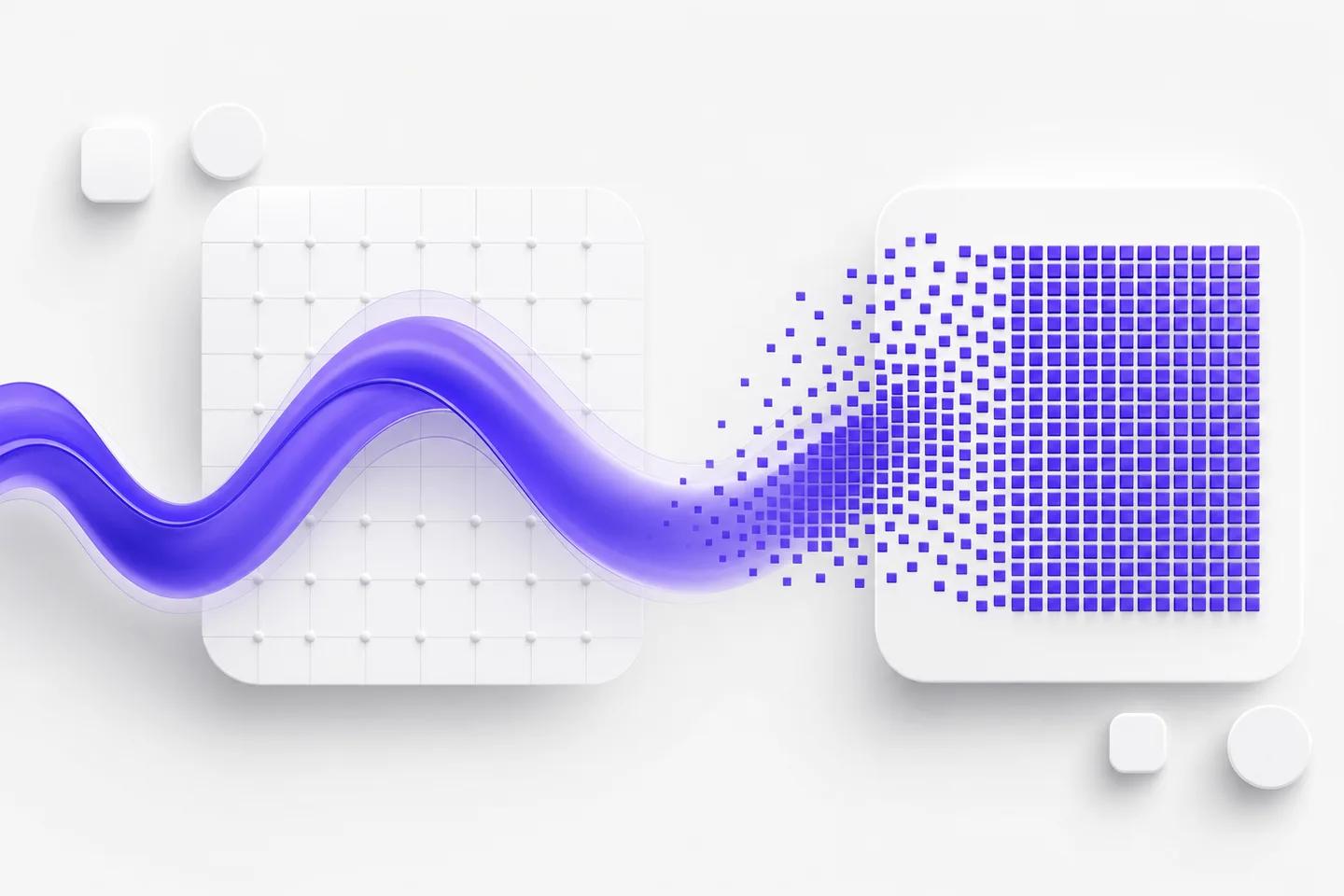
Vector artwork rendered into a crisp pixel grid during SVG to WebP conversion

Pixel-perfect rendering at any resolution you ask for

Rasterizing is only as good as the engine behind it, and SVG to WebP here runs on a full vector renderer rather than a screenshot of your file. You choose the output dimensions and the artwork is redrawn at that exact size, so a 64-pixel favicon and a 4000-pixel hero banner come from the same source with equally clean edges. Curves stay smooth, hairlines stay visible, and type keeps its shape. That control is what makes SVG to WebP safe for retina screens, print placement, and marketplace listings that reject anything soft or upscaled.
Transparent and solid backgrounds compared for SVG to WebP output

True transparency, exactly as you drew it

WebP stores a real alpha channel, so SVG to WebP keeps a transparent background intact — no white box appearing behind your logo when it lands on a colored page. Prefer a solid backdrop? Flatten onto white or a brand color before exporting and the SVG to WebP result ships that way instead. Because transparency is written per pixel, soft shadows, feathered glows, and anti-aliased curves survive without the gray halo that cheap converters leave behind. Drop the file into a deck, a storefront, or an email and it composites cleanly over whatever sits behind it.

The same artwork displayed on phone, laptop, and social cards after SVG to WebP conversion

A file that works everywhere you publish

Vectors make a great master format, but very few platforms display them reliably — which is why SVG to WebP is usually the last step before publishing. WebP is the opposite: far smaller files at the same visual quality. Browsers, phones, email clients, CMS uploaders, chat previews, ad platforms, marketplaces, and slide decks all accept it with no plugin and no conversion warning. Export once at the size you need and the same asset can be pasted into a product page, an ad, or a document without surprises. Running SVG to WebP up front saves the frantic reformatting later.

Layered vector artwork with gradients and masks prepared for SVG to WebP conversion

Complex source files render the way you designed them

An SVG is rarely simple: expect embedded fonts, clipping masks, gradient meshes, blend modes, multi-page documents, and CAD layers nobody documented. Our SVG to WebP renderer handles those instead of silently dropping them, so what you see in your design app is what lands in the WebP. Fonts are resolved, masks are respected, overlapping fills keep their stacking order, and long documents render page by page. That reliability matters most when SVG to WebP runs inside an automated pipeline, where a single missing glyph or lost layer can reach a customer before anyone notices.

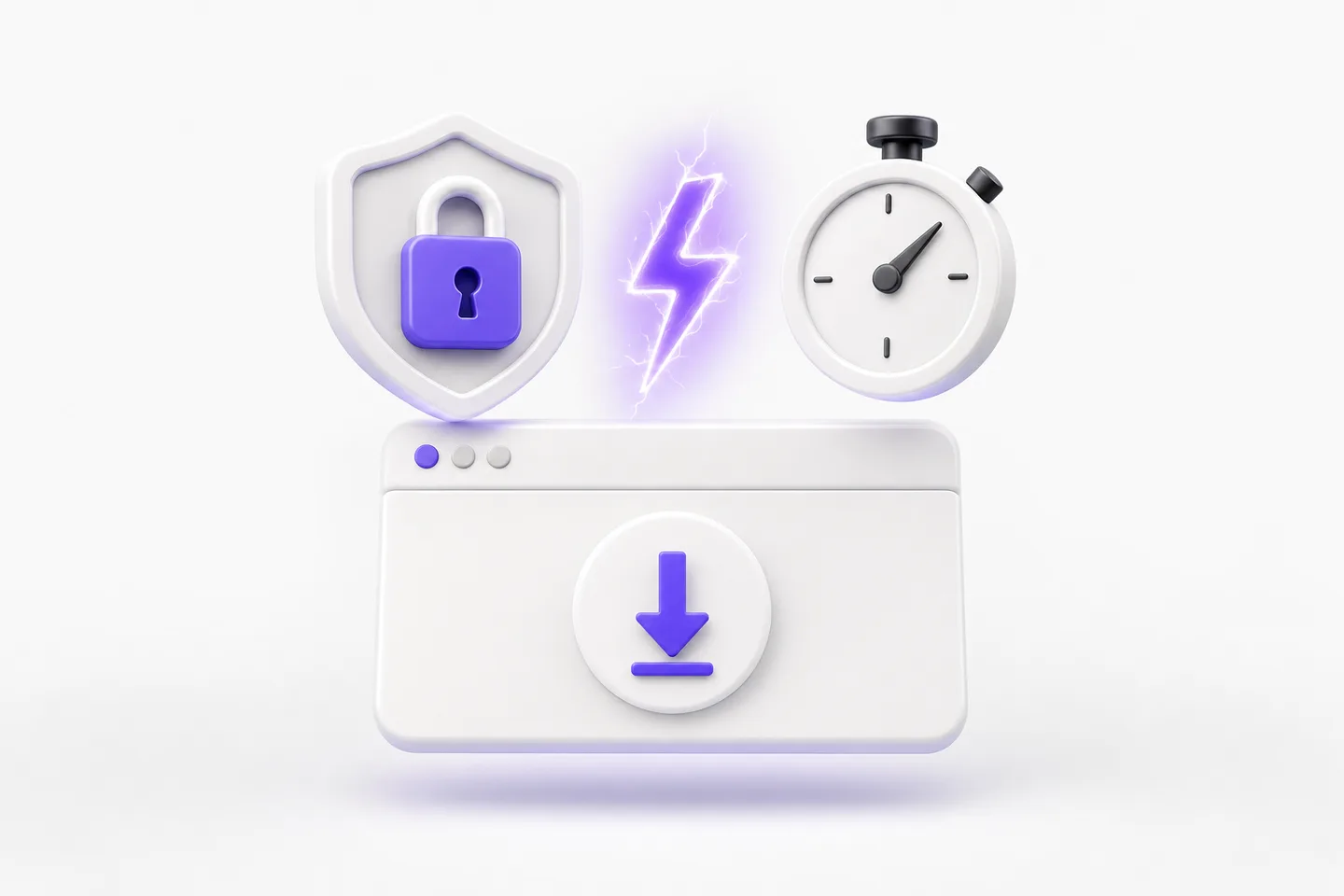
Lightning bolt, padlock, and download card representing fast private SVG to WebP conversion

Free, private, and done in a couple of seconds

SVG to WebP conversion here is free, requires no account, and adds no watermark to your download. Files move over an encrypted connection, are used only to render your WebP, and are deleted automatically afterward, so client work and unreleased designs stay private. Everything runs in the browser, which means SVG to WebP behaves identically on macOS, Windows, Linux, ChromeOS, and mobile — no design software to buy, no plugin to update, no IT ticket to file. Most files finish in a couple of seconds, so you can convert, check, and get back to work.

Loved by makers

Teams ship faster with SVG to WebP in their workflow

Storefronts, docs sites, print shops, and freelancers — here is what changed after they moved their SVG to WebP exports over to us.

Our storefront needs flat images rather than vectors, so SVG to WebP happens dozens of times a week. Uploading here beats launching a design app for a single export. The SVG to WebP output is sharp at retina size, the background behaves exactly as expected, and nothing gets flagged by our listing checks anymore.
Tomás FerreiraTomás FerreiraMotion designer, freelance
I hand artwork to clients who do not own design software, so every delivery ends with SVG to WebP. The files come back crisp, correctly sized, and small enough to email without a warning. Doing SVG to WebP in the browser quietly removed one of the most tedious steps from my week.
Karl BrennerKarl BrennerOwner, Brenner Sign Works
We use SVG to WebP to build preview thumbnails for a documentation site. Gradients, clipping masks, and embedded fonts all render correctly, which was not true of the library we replaced. The SVG to WebP step has needed zero attention since we switched, and that is the highest praise I have.
Nia RobertsNia RobertsFreelance illustrator

SVG to WebP converter

Frequently asked questions

Yes. SVG to WebP conversion is free, with no account, subscription, or watermark. Convert as many files as your normal workflow needs, and use every SVG to WebP download in personal or commercial projects. Nothing useful is held back behind a paywall and nothing is stamped across your finished image.

Choose the size you will actually display, then double it for retina screens. Because SVG to WebP re-renders from vector geometry, a larger export costs you nothing in quality — only file size. For print, aim for roughly 300 pixels per inch of final placement when you run SVG to WebP.

Yes. WebP supports transparency, so SVG to WebP preserves it as drawn, including anti-aliased edges. Prefer a solid backdrop? Flatten onto white or a brand color before exporting. Either way, the SVG to WebP result composites cleanly over whatever background you place it on.

In almost every case, yes. The SVG to WebP renderer resolves embedded fonts, honors clipping masks, and preserves gradient and blend-mode stacking, so the WebP matches your design app. If something unusual slips through, converting a flattened copy of the source normally resolves the SVG to WebP difference immediately.

Yes. Files uploaded for SVG to WebP conversion move over an encrypted connection, exist only long enough to render your download, and are then deleted automatically. They are never sold, published, or used to train models, so unreleased and confidential SVG to WebP work stays exactly that.

Run your SVG to WebP conversion now

Upload a file, choose the size you need, and download a pixel-perfect result — free SVG to WebP conversion with no account, no software, and no watermark.