
AI SVG Converter Online

Turn PNG, JPEG, and WebP into crisp SVG vectors with intelligent AI tracing — faithful color reproduction, smooth paths, and no account to create. Free, fast, and entirely online.

+Upload your image

Or drop your image here

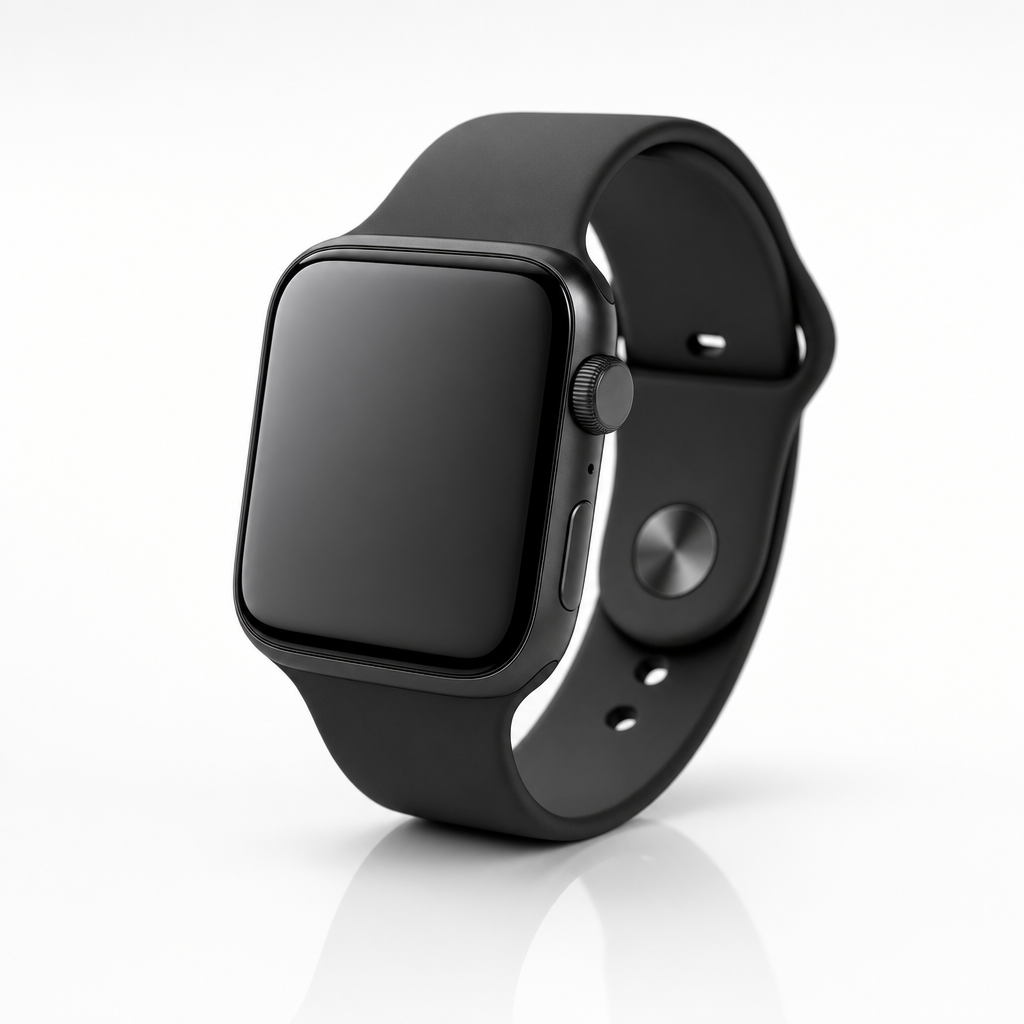
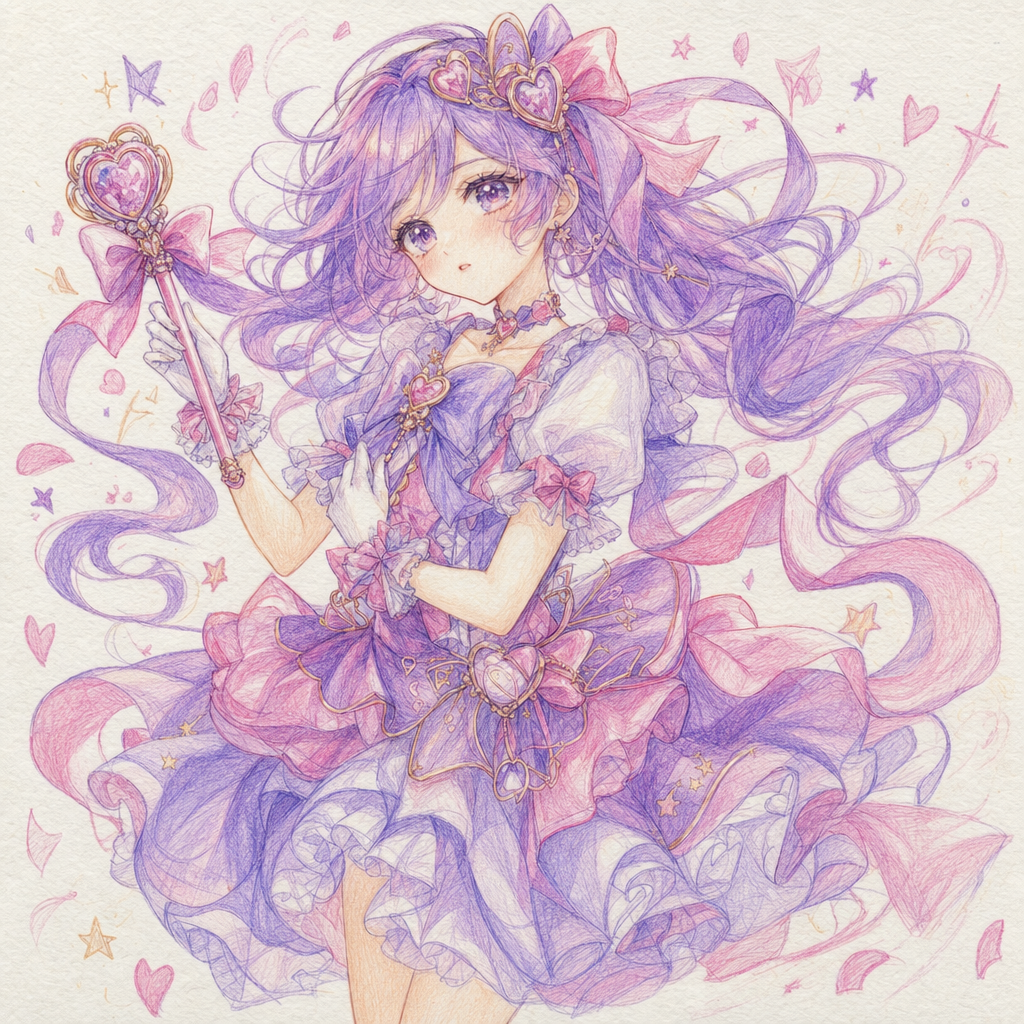
Original raster image
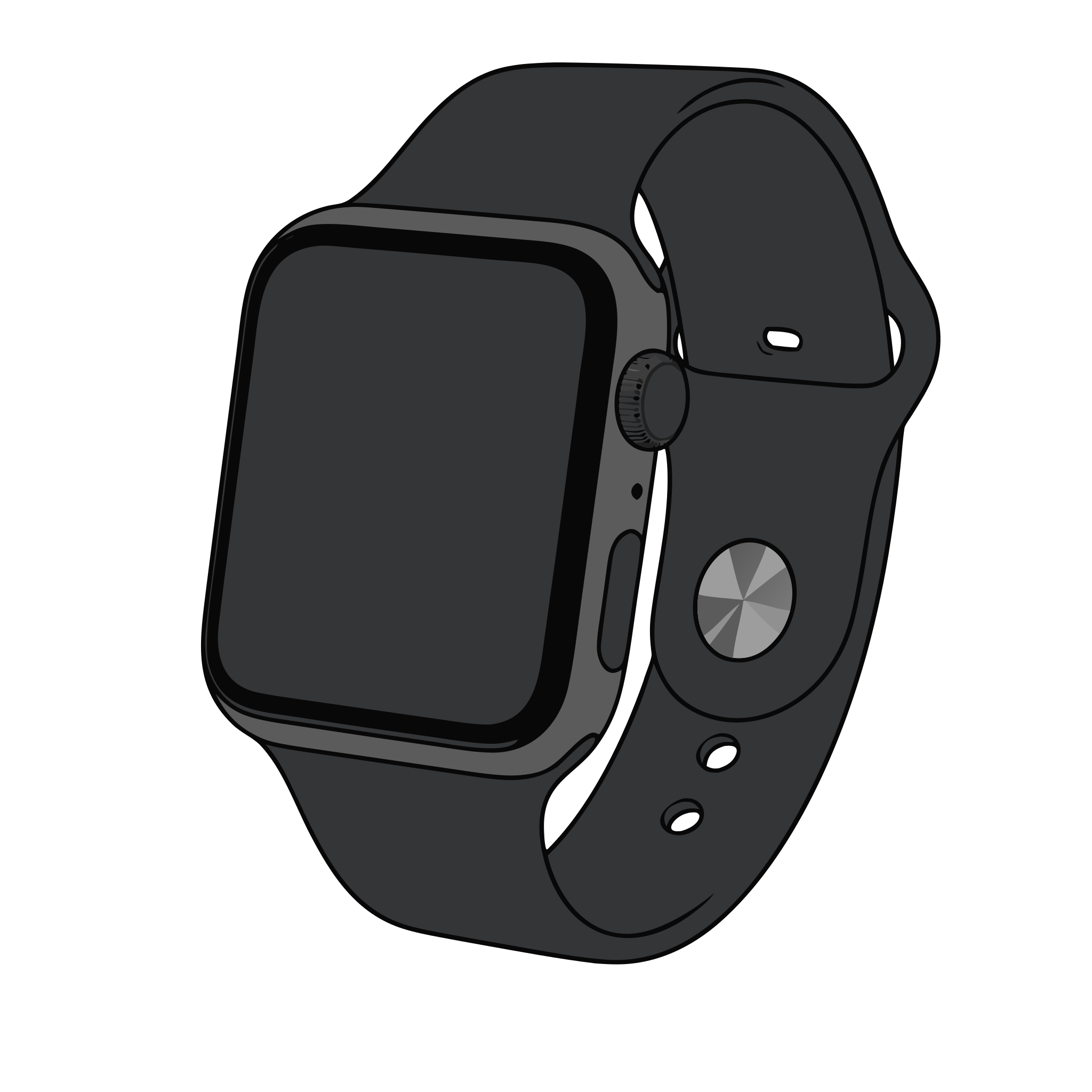
Vectorized result

Why SVG trace

SVG trace that follows your artwork, not the pixel grid

Curve fitting, color control, sketch handling, cut paths, and privacy — five reasons this SVG trace tool replaces the auto-trace dialog you have been fighting.

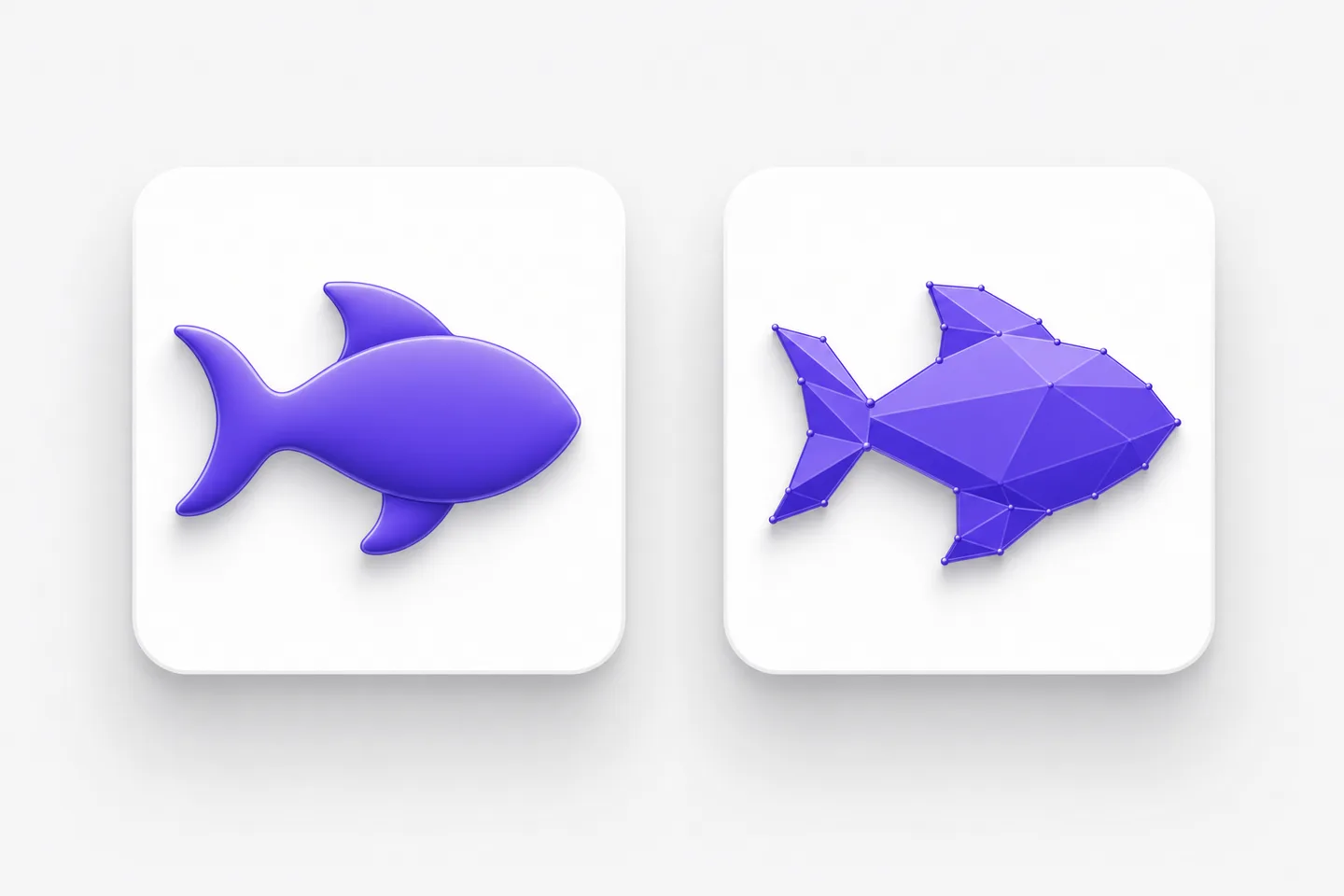
Smooth bezier curves compared with angular polygons in SVG trace output

Curves where curves belong, corners where they matter

The difference between a usable and a useless trace is how it treats an edge. Our SVG trace engine fits smooth bezier curves along flowing outlines while deliberately preserving hard corners, so a rounded letterform stays round and a chiseled serif stays sharp. Older tools approximate everything with hundreds of tiny straight segments, which looks acceptable on screen and falls apart the moment you zoom, cut, or edit. Because SVG trace fits geometry instead of chasing pixels, the resulting paths are lighter, smoother, and far easier to reshape by hand.
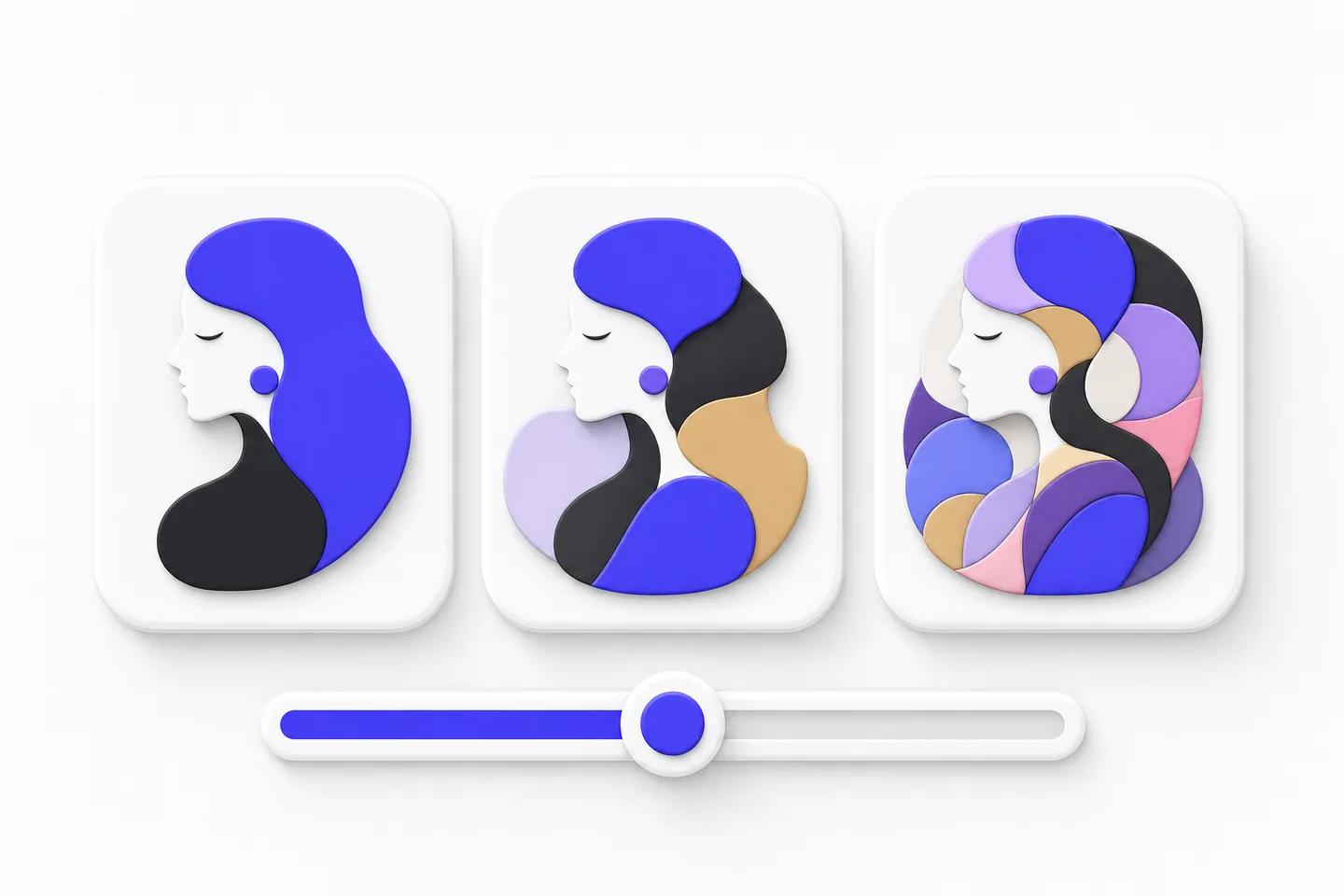
Three SVG trace results at increasing color complexity with a slider control

Color modes from crisp two-tone to full palette

Different jobs need different levels of complexity, so SVG trace lets you decide how much color survives. Two-tone tracing is ideal for stamps, stencils, screen printing, and vinyl, where every shape must be cuttable. A limited palette suits logos and flat illustration, keeping brand colors exact and shape counts low. Full-palette tracing turns photographs into layered poster art. Whichever mode you pick, SVG trace clusters colors before drawing, so you get a tidy, editable set of fills rather than hundreds of near-identical slivers stacked on top of each other. Choose the mode that matches the machine downstream.

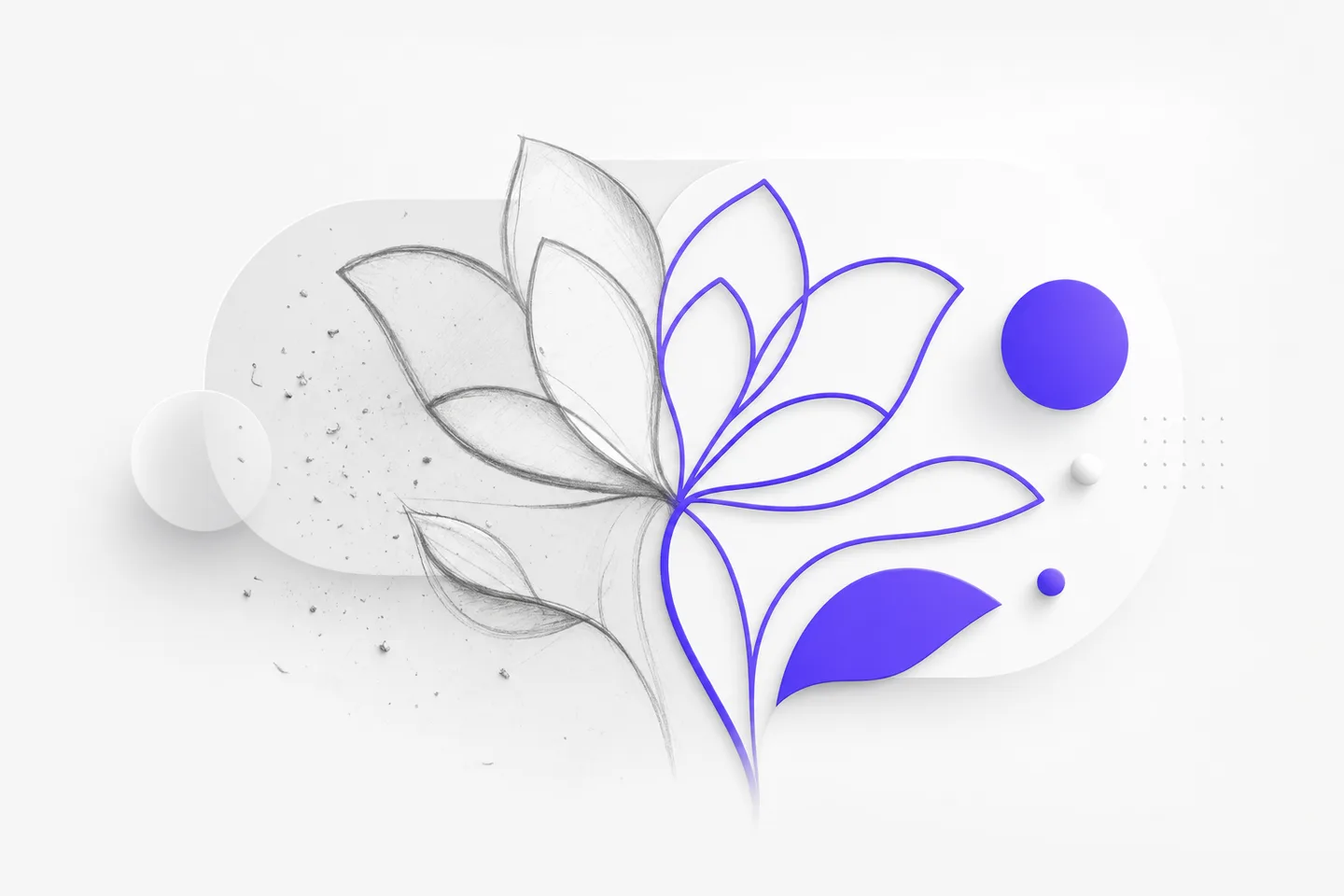
Pencil sketch strokes converted to clean vector strokes by SVG trace

Sketches, scans, and screenshots welcome

Real source material is messy: pencil roughs photographed on a desk, faxed logos, a screenshot someone pasted into a document. SVG trace cleans up that reality before drawing — flattening uneven paper lighting, removing speckle and JPEG noise, and closing the small gaps a soft pencil leaves in a line. Strokes come back at a consistent width instead of wobbling, and stray dust stops becoming a hundred tiny shapes. That preparation is why SVG trace turns a phone photo of a whiteboard sketch into something you can actually build with. Messy input stops being a reason to redraw.

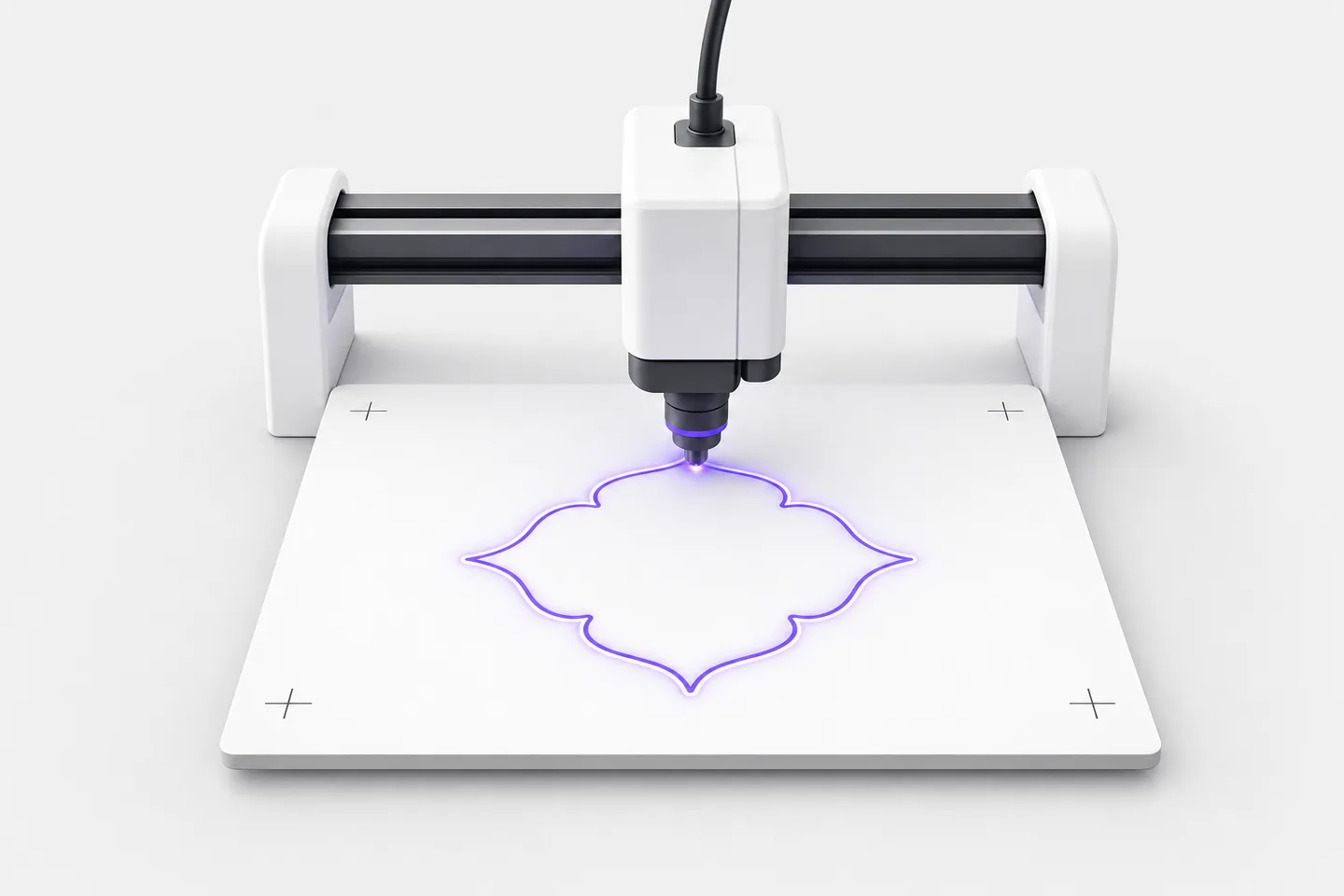
A cutting machine head following a violet cut path from SVG trace

Cut paths that machines can follow

Cutters, plotters, and routers do not care how a file looks — they care whether the paths are closed, unduplicated, and in a sane order. SVG trace produces exactly that, then exports to SVG, PDF, EPS, or DXF so it drops straight into Cricut, Silhouette, LightBurn, Glowforge, or a CAD suite. Overlapping duplicate outlines that make a laser cut the same line twice are removed, and shapes are grouped logically for weeding. Teams use SVG trace as the step between a customer's logo and a job that runs unattended, because files arrive ready to cut rather than ready to fix.

Browser window with padlock and lightning bolt representing free private SVG trace

Free, private, and instant in the browser

SVG trace here is free, works without an account or plugin, and never watermarks a download. Files travel over an encrypted connection, are used only to produce your traced result, and are deleted automatically afterward, so a customer's logo never ends up in a training set or a stock library. Everything runs online, which means SVG trace behaves the same on macOS, Windows, Linux, ChromeOS, tablets, and phones — genuinely useful when you are at a machine in the workshop rather than at your design desk. Nothing to install and nothing to keep updated.

Loved by makers

Workshops and studios run on SVG trace

Sign makers, laser cutters, and designers on what changed after they standardized on SVG trace.

Customers send logos as photos of business cards. SVG trace gets them close enough that I only nudge a few nodes before cutting vinyl. The two-tone mode is what I use most, because everything it produces is a closed path my plotter can follow.
Omar HaddadOmar HaddadArchitectural visualizer, Atlas Studio
I tested SVG trace against the auto-trace in my design app on the same scanned artwork. The paths here had a third of the nodes and noticeably smoother curves, which meant less cleanup and a faster cut. It has been the first step in my process since.
Elena MarshElena MarshBrand designer, Northline Packaging
Our whiteboard sketches used to get redrawn by hand before they could go into documentation. Now we photograph them, run SVG trace, and tidy up in Figma. The noise removal is the part that makes it usable — no more hundreds of dust specks to delete.
Priya RamanPriya RamanProduct designer, Fernway

SVG trace

Frequently asked questions

Yes. SVG trace is free, with no account, subscription, or watermark on your download. Trace as many files as normal design or production work requires, and use every result in personal and commercial projects without hitting a paywall. Every download stays free of watermarks.

Manual redrawing gives total control and costs hours. SVG trace rebuilds the geometry automatically in seconds and usually gets you ninety percent of the way there, leaving a short tidy-up instead of a full illustration job — especially for logos, lettering, and line art.

PNG, JPG, and WebP images all work, including screenshots, scans, and phone photos. For the best SVG trace result, use the sharpest version you have at roughly 1000 pixels wide or more, since accuracy always follows the quality of the source. Cleaner scans always trace better.

Yes. SVG trace produces closed, deduplicated paths and exports SVG, PDF, EPS, and DXF, so files import cleanly into Cricut, Silhouette, LightBurn, Glowforge, and CAD or CAM software. Two-tone mode is usually the right choice for vinyl, stencils, and laser work, and grouping stays logical for weeding.

Yes. Files sent for SVG trace move over an encrypted connection, are processed only to create your download, and are deleted automatically shortly afterward. They are never sold, published, or used to train models, so client artwork stays confidential and nothing lands in a public gallery.

Run your first SVG trace in seconds

Upload a logo, sketch, or screenshot and get clean editable paths back — SVG trace is free, private, and needs no account or install.