
WebP to PDF Converter

Curvyra transforms PNG, JPEG, WebP, and more into PDF through intelligent tracing — faithful color reproduction, smooth vector paths, and no account to create. Perfect for logos, illustrations, and print-ready artwork, our AI preserves fine details while producing clean, editable paths you can download in seconds — free, fast, and entirely online.

+Upload your image

Or drop your image here

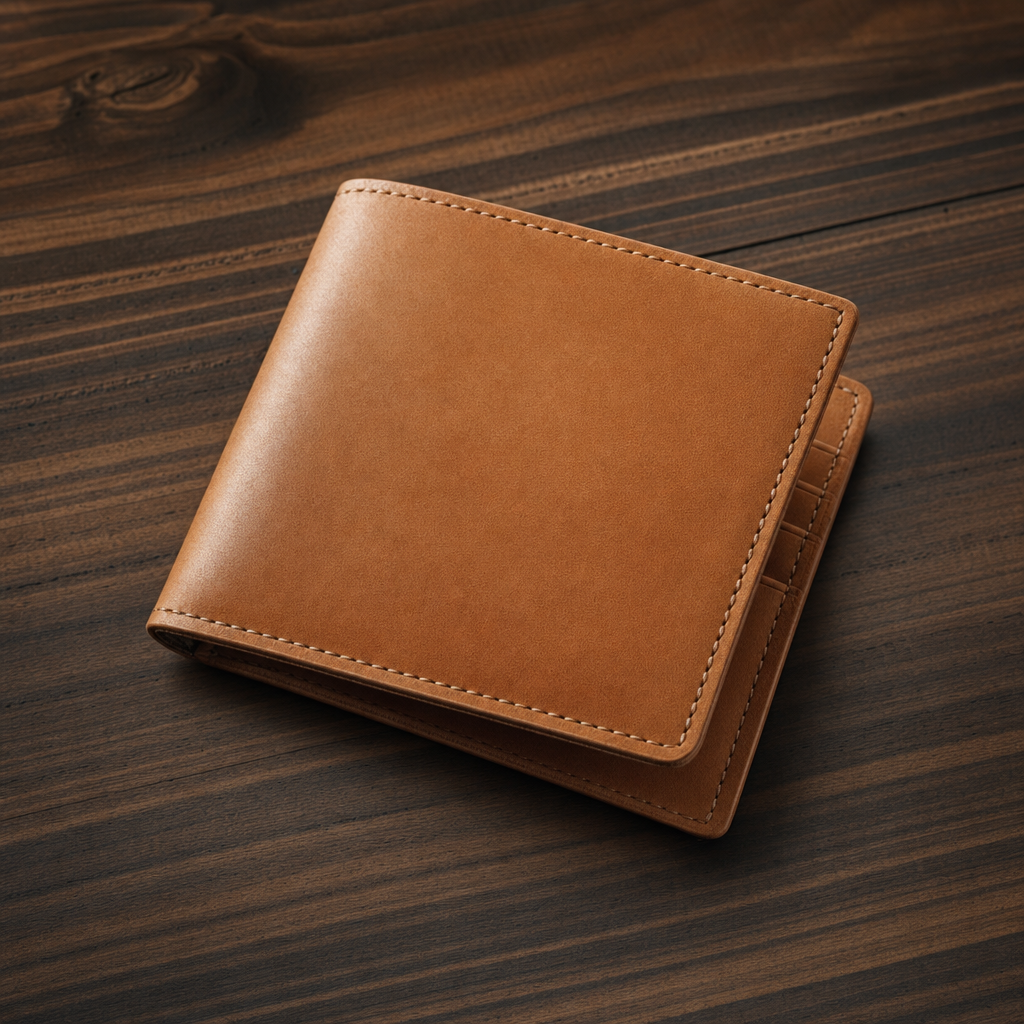
Original raster image
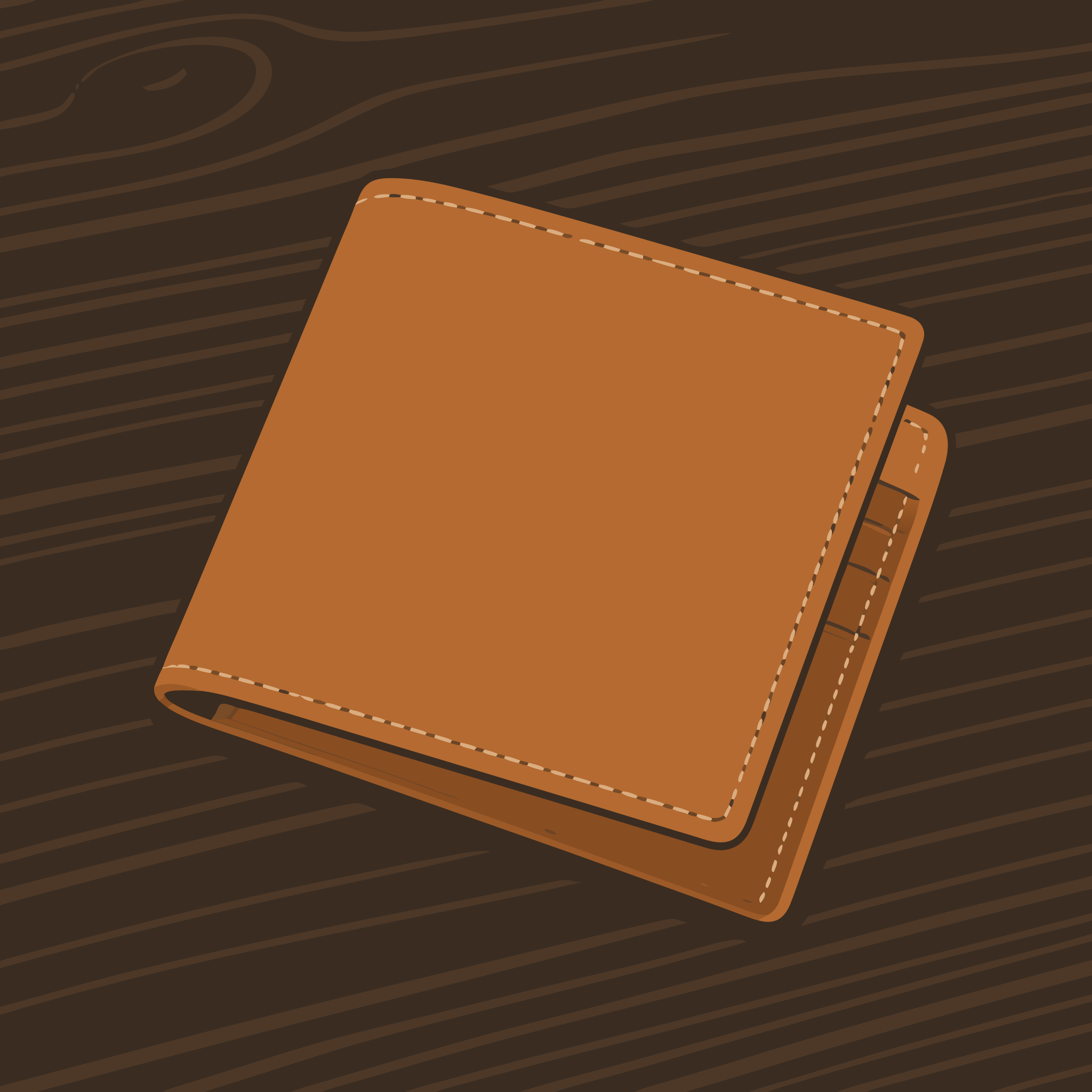
Vectorized result

Why WebP to PDF

Everything a great WebP to PDF conversion should do

Tracing, color, editability, privacy, speed — here is what happens between the moment you drop a file in and the moment your WebP to PDF download lands, and why designers keep coming back for it.

A photo edge being rebuilt as smooth vector curves during WebP to PDF conversion

AI tracing that reads artwork like a designer

Every WebP to PDF conversion starts with an AI pass that studies your upload before it draws a single path. It separates subject from background, groups pixels that belong to the same shape, and decides where an outline should sweep into a curve instead of breaking into a corner. Compression artifacts, scanner noise, and soft anti-aliased fringes are cleaned up first, so the WebP to PDF result keeps the taper of a brush stroke and the geometry of an icon at the same time. What you get is confident, designer-grade outlines rather than the jittery over-traced mess older WebP to PDF converters hand back.

A logo staying sharp under magnification after WebP to PDF conversion

Scale forever — your PDF never blurs again

A WebP stores a fixed grid of pixels, which is why it falls apart the moment you enlarge it. WebP to PDF rebuilds the same artwork as mathematics — anchor points, bezier curves, and flat fills — so it stays razor sharp at any size. Put the WebP to PDF output on a business card or a twenty-foot trade-show banner and the edges look identical on both. There is no resolution to guess at, nothing to re-export later, and no pixelation to apologize for, which is exactly why studios run WebP to PDF before artwork enters a print, signage, or fabrication workflow.

Flat color layers separating from artwork during WebP to PDF conversion

Color that matches the original, palette by palette

Color is where most WebP to PDF tools give up: they posterize artwork into muddy bands or explode it into hundreds of near-identical slivers. Our engine clusters the palette first, ranks each color by how much of the image it actually carries, and then traces the layers in the right stacking order. You end up with a WebP to PDF file that has a tidy, editable palette and still matches the original — smooth blends where you expect them, exact brand colors where they matter. Change one fill and every shape using it updates, which makes WebP to PDF output genuinely easy to recolor.

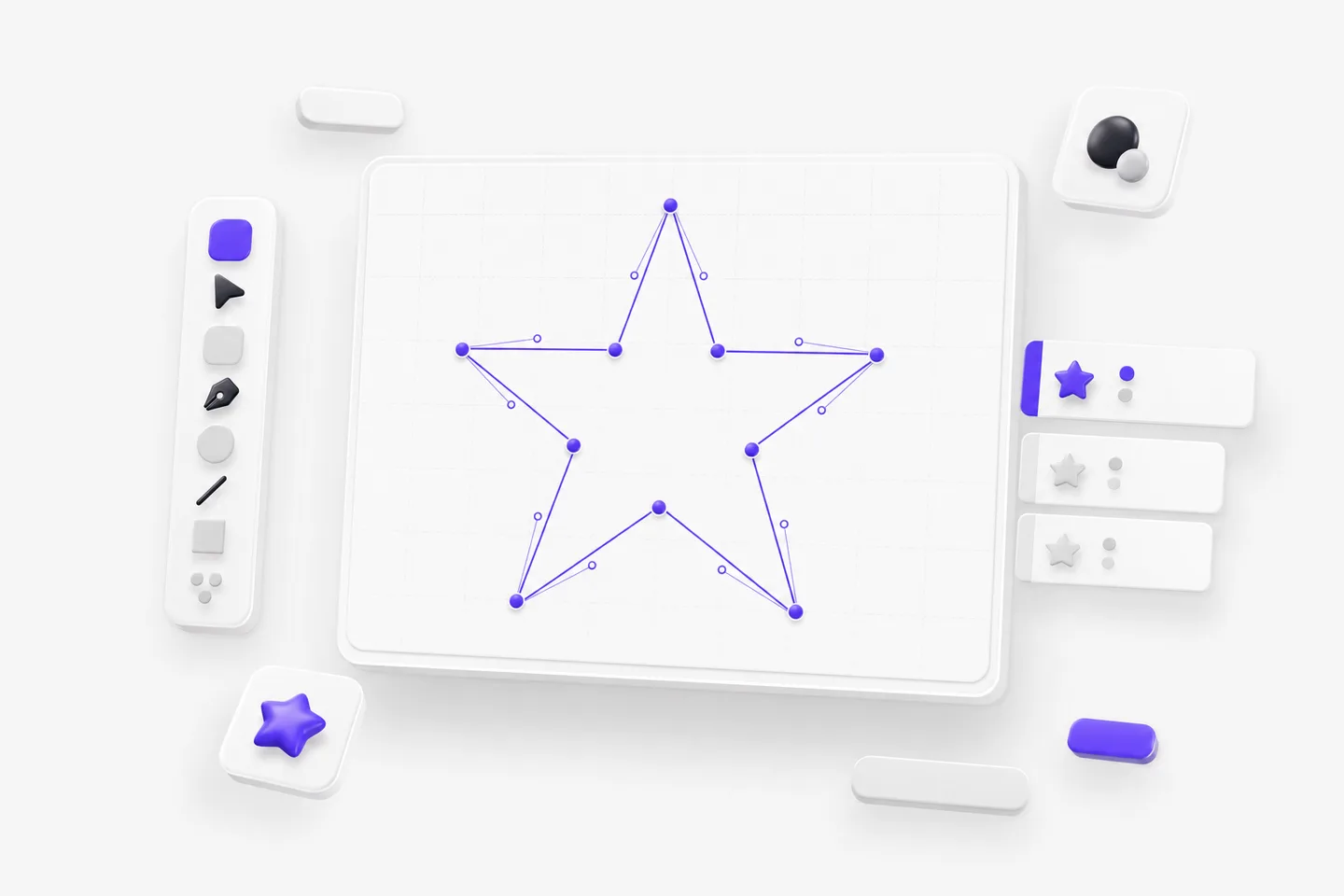
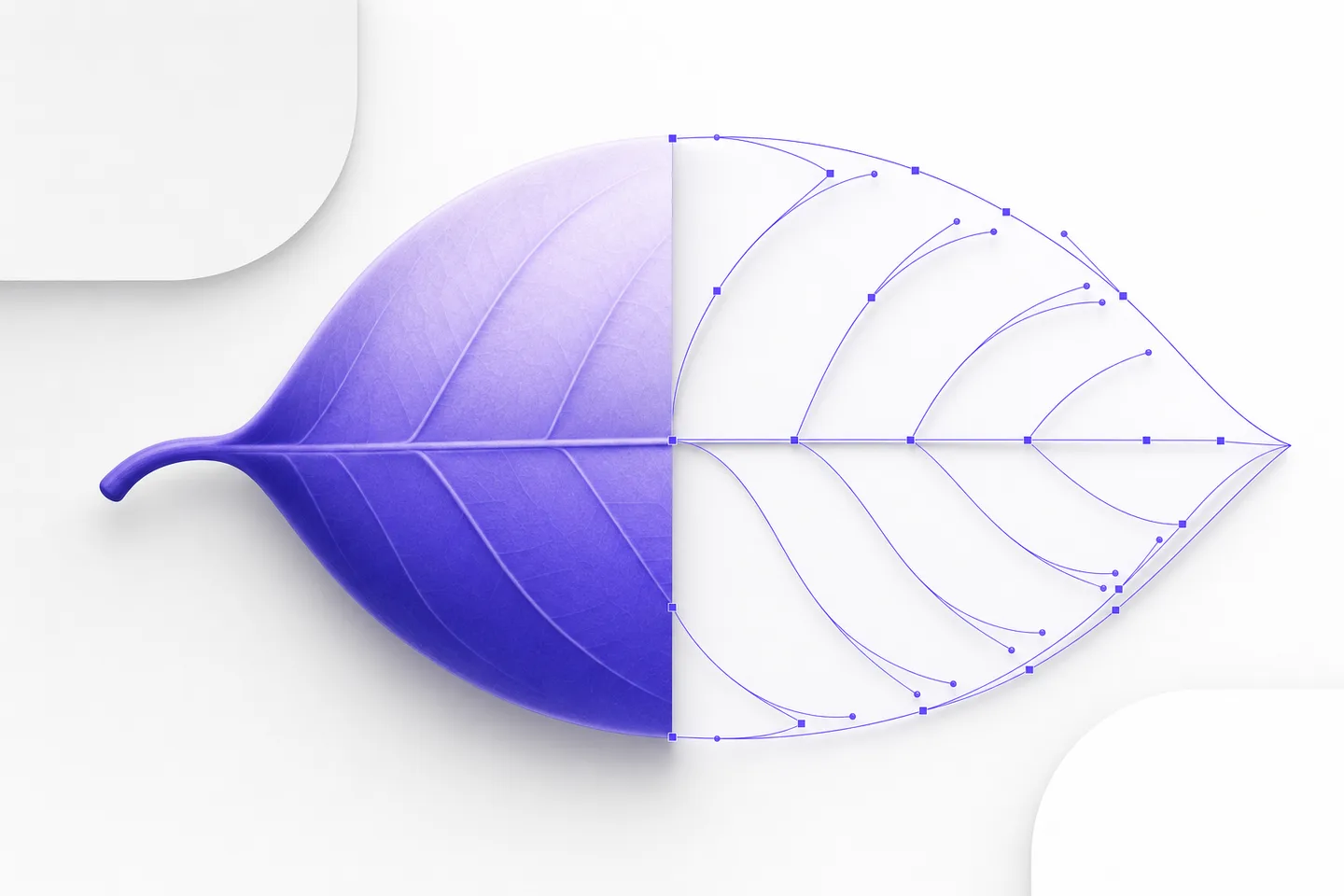
Bezier nodes and handles on an editable path produced by WebP to PDF conversion

Real editable paths, not a picture in disguise

The WebP to PDF output is a working file you can take apart. Open it in Illustrator, Affinity Designer, Figma, Inkscape, or your CAD suite and you will find grouped shapes, closed contours, and paths with a sensible node count you can actually pull around. Because WebP to PDF produces clean geometry instead of a traced blob, jobs like swapping a background, isolating a mascot, thickening a stroke, or offsetting a cut line take seconds rather than an evening of redrawing. That is what makes WebP to PDF the natural first step for print-ready documents, proofs, and pre-press hand-off.

A browser window, lightning bolt, and padlock representing fast private WebP to PDF conversion

Free, private, and finished in seconds

WebP to PDF conversion here is free, needs no account, plugin, or credit card, and never stamps a watermark on your download. Drop a file in and it finishes in seconds — usually before you have finished reading this paragraph. Uploads travel over an encrypted connection, are used only to produce your WebP to PDF result, and are deleted automatically afterward, so nothing joins a training set or a stock library. Because everything runs in the browser, WebP to PDF behaves the same on a Mac, a Windows laptop, a Chromebook, or a phone, with no software to install.

Loved by makers

Designers, printers, and developers rely on WebP to PDF

From one-off logo cleanups to production pipelines, here is what people say after moving their WebP to PDF work over to us.

I clean up client logos all day, and WebP to PDF used to mean an hour of manual redrawing before anything could go to print. Now I upload, glance at the curves, and hand the file straight over. The WebP to PDF results hold crisp corners and smooth arcs at once, which nothing else I tried managed.
Tomás FerreiraTomás FerreiraMotion designer, freelance
We wanted one dependable WebP to PDF step in our production workflow and this became it. Colors come back matching the brand guide, the paths are tidy enough to edit, and the whole WebP to PDF process takes seconds. My team finally stopped asking me to redraw artwork for large-format jobs.
Karl BrennerKarl BrennerOwner, Brenner Sign Works
As a developer I care about clean output, and the WebP to PDF files here are refreshingly small with sensible geometry instead of thousands of stray points. I dropped a WebP to PDF result straight into production and it rendered perfectly at every screen size. No account, no watermark, no nonsense.
Nia RobertsNia RobertsFreelance illustrator

WebP to PDF converter

Frequently asked questions

Yes. WebP to PDF conversion is free for everyday design work, with no account, subscription, or watermark on the download. You can convert as many files as a normal workflow needs, and every WebP to PDF result is yours to use in both personal and commercial projects.

Usually, yes. WebP to PDF tracing clusters your palette and follows edges at sub-pixel accuracy, so logos, icons, and line art come back nearly indistinguishable. Highly photographic images become a stylized interpretation instead, because WebP to PDF has to describe every soft gradient using a finite set of shapes.

Sharp, well-lit input around 1000 pixels wide or larger gives the best WebP to PDF result. Tiny or heavily compressed files leave the tracer guessing where edges belong. If you still have the artwork at full resolution, use it — WebP to PDF accuracy always follows the quality of what you upload.

Absolutely. WebP to PDF produces genuine vector geometry, so you can open the download in Illustrator, Figma, Inkscape, or a CAD program and move nodes, recolor fills, delete layers, or rescale with no loss of quality. Nothing is flattened, rasterized, or locked in the WebP to PDF export.

Yes. Files uploaded for WebP to PDF conversion travel over an encrypted connection, are processed only to create your download, and are removed automatically shortly afterward. We never sell them, publish them, or train models on them, so confidential WebP to PDF work stays confidential.

Start your WebP to PDF conversion now

Drop in a file, watch clean paths appear, and download the result — free WebP to PDF conversion with no account, no software, and no watermark.